Kling 2.6 Motion Control

AI Motion Control Video Generator

Turn one character image and one reference video into a directed AI performance. Transfer gestures, body movement, timing, and camera energy without rigs, keyframes, or a motion-capture studio.

Credits are based on reference duration and selected resolution.

Motion transfer examples

One Character. One Motion Clip. A New Performance.

See how AI Motion Control combines character identity from an image with movement and timing from a reference video.

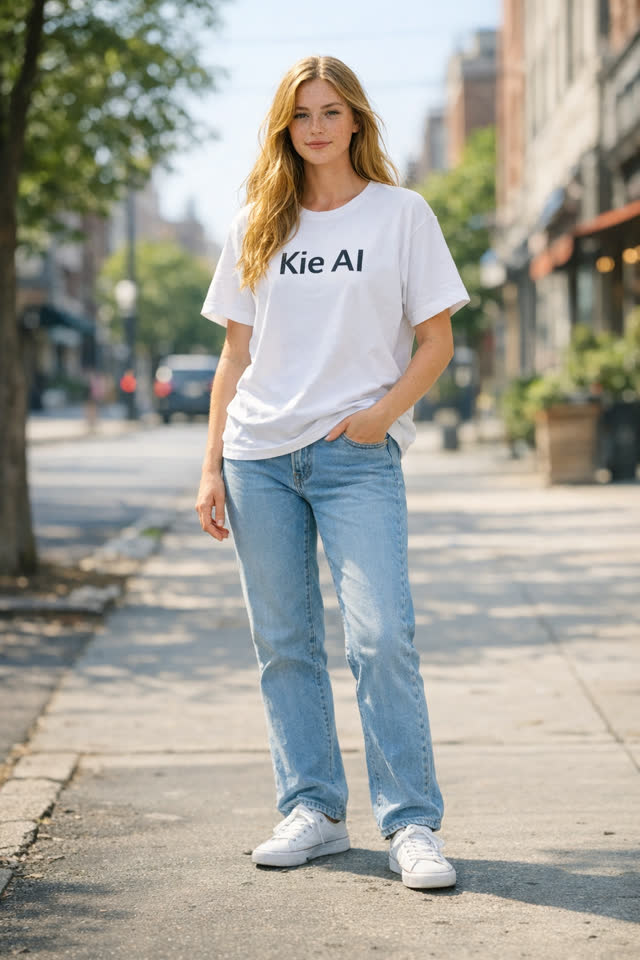
KIE character image for full-body motion transfer
Character
Motion
Result

Full-Body Performance Transfer

A character portrait follows the reference performer's body movement and timing in a new generated clip.

Example prompt

Keep the character identity consistent while transferring the full-body choreography, gestures, rhythm, and camera timing from the motion reference.
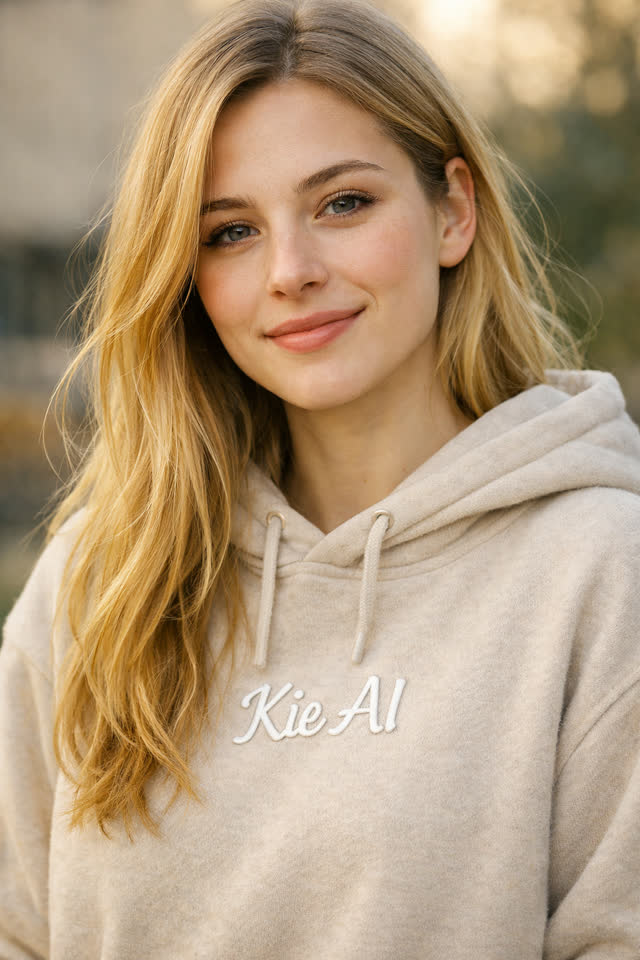
KIE character image for short-form motion control
Character
Motion
Result

Short-Form Character Motion

A second identity is animated with the rhythm and gestures of its reference motion video.

Example prompt

Preserve the character's face, outfit, and proportions while following the reference performer's movement, pacing, and expressive gestures.

Example media adapted from KIE Kling 3.0 Motion Control

How it works

Create Video to Video AI in Three Steps

The workflow is built for creators who need specific movement, not random animation.

01

Upload a character image

Choose a clear full-body or half-body image with visible limbs and enough background around the subject.

02

Add a motion reference

Upload the MP4 or MOV whose body movement, expressions, timing, and camera rhythm should guide the result.

03

Generate the new performance

Select framing and resolution, keep or remove the source audio, then let Kling Motion Control retarget the action.

Kling 3.0 motion showcase

See Motion Control Handle Faces, Emotion, and Framing

These four KIE demonstrations show where motion-guided character video becomes more useful than random image animation.

01

Consistent Facial Identity from Different Angles

Keep facial structure recognizable while the performer turns, changes direction, or moves through longer action sequences.

Kling Motion Control demonstration
02

Complex Emotions Follow the Performance

Carry smiles, surprise, sadness, and subtle expression changes from the reference performance into the generated character.

Kling Motion Control demonstration
03

Facial Detail Recovers After Occlusion

Preserve identity when a hand, object, or camera movement briefly hides part of the face, then restore detail smoothly.

Kling Motion Control demonstration
04

Clear Faces Across Dynamic Framing

Maintain recognizable facial detail through zooms, pans, reframing, and other cinematic camera movement.

Kling Motion Control demonstration

Feature videos adapted from KIE Kling 3.0 Motion Control

PRICING

Professional AI video pricing

One balance for Grok, Veo, Seedance, Kling, Wan, and HappyHorse workflows.

Recommended
7,000

$0.70 per 100 credits

$49
Popular
18,000

$0.61 per 100 credits

$109
40,000

$0.57 per 100 credits

$229

AI Motion Control FAQ

Questions About Motion Control and Video to Video AI

File requirements, duration limits, framing choices, and practical guidance before you generate.

1

What is AI Motion Control?

AI Motion Control uses a reference video to guide how a character from a still image moves. The reference supplies action and timing; the image supplies character identity and style.

2

Is this a video to video AI generator?

It is a reference-video-guided workflow: you upload a character image plus a motion video, then generate a new video that follows that motion. It is more specific than broad prompt-based video editing.

3

What files can I upload?

Use one JPG or PNG character image up to 10 MB and one MP4 or MOV motion reference up to 100 MB.

4

How long can the reference video be?

Reference videos must be at least 3 seconds. Follow-video framing supports up to 30 seconds; follow-image framing supports up to 10 seconds.

5

What does character orientation change?

Follow video uses the reference clip's composition and allows longer clips. Follow image prioritizes the image framing and is limited to 10 seconds.

6

Can it keep the reference video's sound?

Yes. Enable Keep original sound to carry the motion reference audio into the generated result, or disable it for a silent output.

Direct the movement

Turn Your Character Into a Controlled Performance

Upload a character, add the motion you want, and create a new AI video with precise action and timing.

Create a Motion Control Video
AI Motion Control Video Generator | Video to Video AI